Crafting Custom NPCs with Command Blocks: A Minecraft Masterclass
Fast answer first. Then use the tabs or video for more detail.
- Watch the video explanation below for a faster overview.
- Game mechanics may change with updates or patches.
- Use this block to get the short answer without scrolling the whole page.
- Read the FAQ section if the article has one.
- Use the table of contents to jump straight to the detailed section you need.
- Watch the video first, then skim the article for specifics.
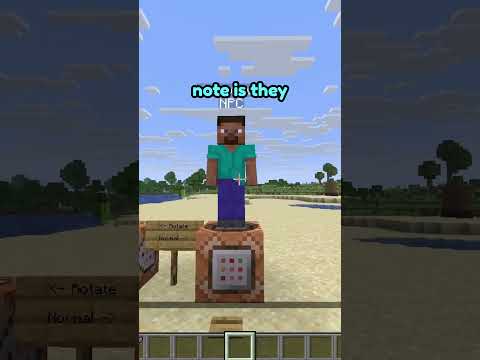
So, you want to breathe life into your Minecraft world beyond the standard villagers and wandering traders? You’re looking to create truly unique NPCs, characters with custom dialogue, intricate behaviors, and even personalized quests? The answer, my friend, lies in the power of command blocks. With a little ingenuity and some understanding of Minecraft’s command system, you can transform your world into a dynamic and engaging experience.
The core principle is this: command blocks allow you to execute commands based on specific conditions. By stringing these blocks together, you can create complex scripts that define an NPC’s actions, dialogue, and reactions to player interactions. We’ll walk you through the process, step by step, from summoning a basic NPC to creating a fully interactive character with quests and rewards.
The Foundation: Summoning and Identifying Your NPC
First, you’ll need to summon your NPC. While you can use the summon npc command, this gives you a rather generic entity. Instead, we’ll use a custom entity like a skeleton or zombie and visually customize it. This gives you much more control over the NPC’s appearance.
Here’s the command to summon a skeleton with custom name and NoAI:
/summon skeleton ~ ~ ~ {CustomName:"{"text"":""Quest Giver""}""